01
Property: better-qualified visits
Buyers and tenants explore the layout, character and finishes before meeting. Information points can lead to a property sheet or contact.
Your benefit
Better-prepared prospects and more specific questions.
iViZ TOUR360
Photos show individual frames. A 360° tour lets visitors look around, choose the next room and find the information they need to decide. We prepare a presentation of your space.
 360°
360°SEE HOW IT HELPS
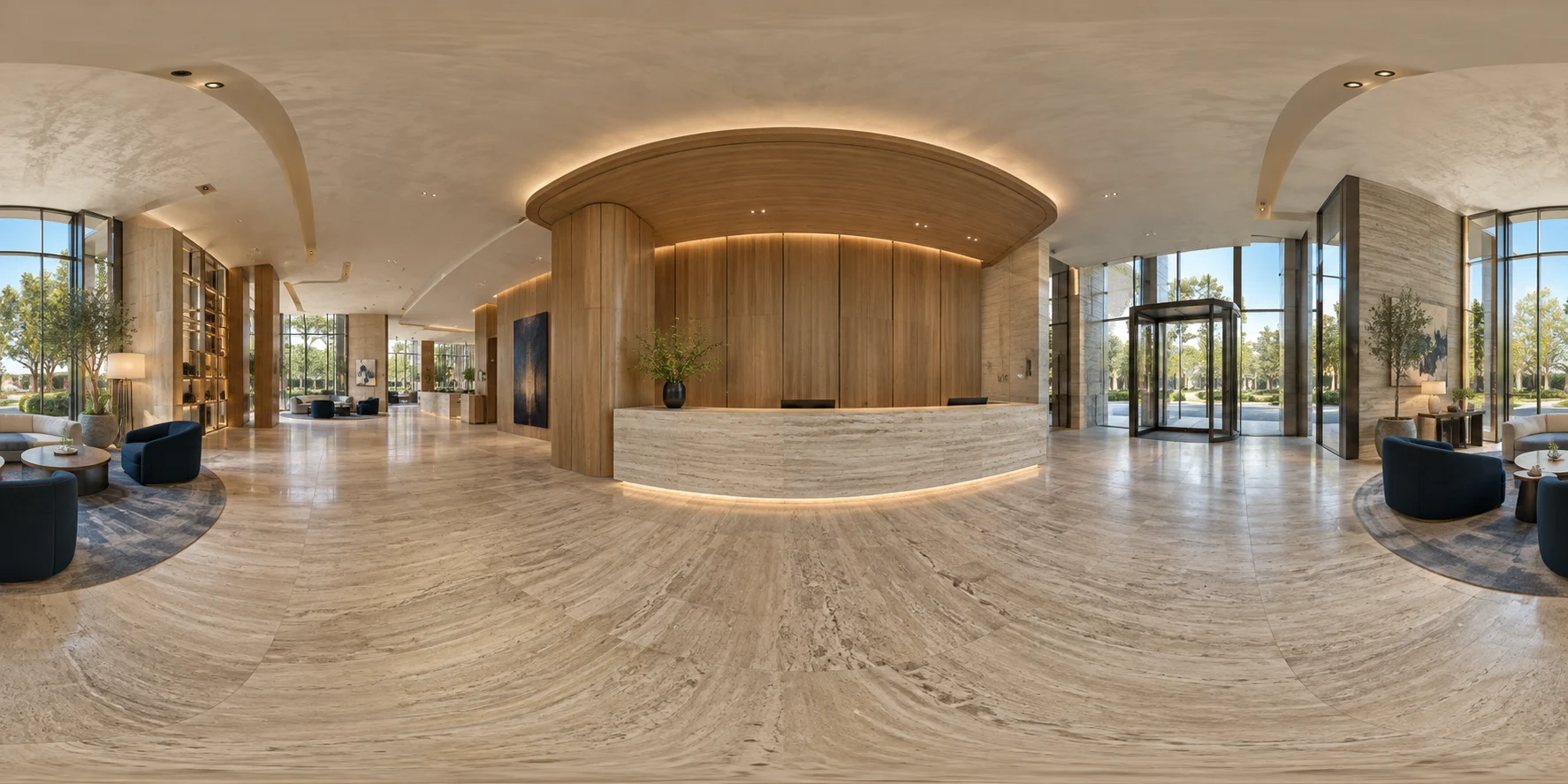
An example browser tour. Drag the view or use direction buttons.
Move from the lobby to the room. In a full tour, an information point could describe amenities and link to the hotel offer.
Illustrative computer-generated panoramas, not a client project or survey material. Geometric distortions may occur. Demo features do not imply a ready standalone authoring tool.
I want a tour of my space →Solutions
We tailor scenes, information points and the next action to your audience.
Buyers and tenants explore the layout, character and finishes before meeting. Information points can lead to a property sheet or contact.
Better-prepared prospects and more specific questions.
Present rooms, the lobby, restaurant and event spaces. Explain amenities and link to your existing booking page or event enquiry.
Guests can assess whether a space suits their stay or event.
 360°
360°Connect tour points with text, images, audio, video or documents. Visitors explore an exhibition at their own pace.
Another way to reach audiences and help them prepare for a visit.
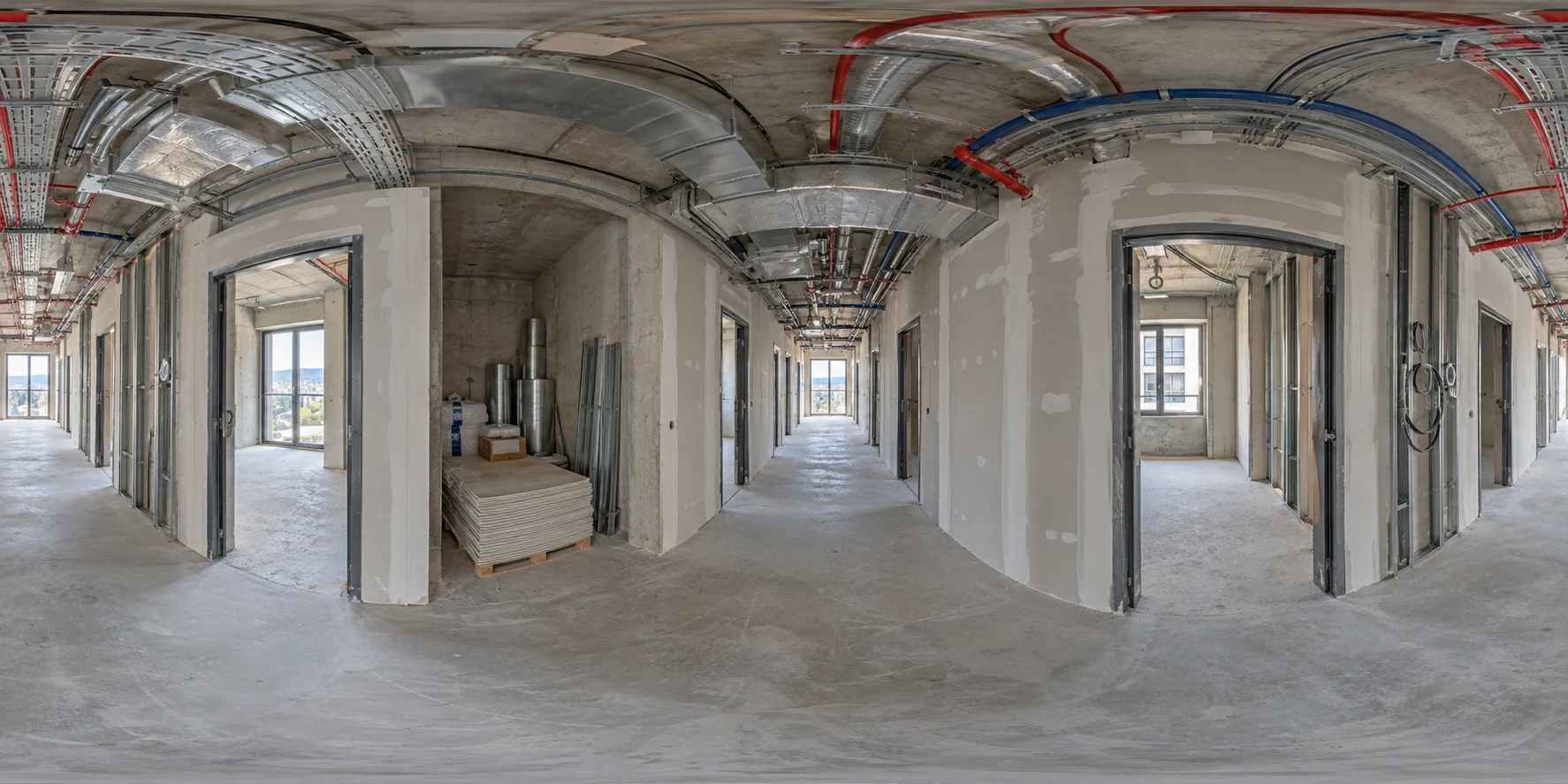
In Construct, panoramas support surveys and inspections: capture locations, annotations, findings and a report for the selected panorama.
Return to a recorded location without another trip just to recover a missing view.
 360°
360°SEE THE OUTPUT
Open an example and see which information you could use in your next task.
TOUR360
Move between rooms and view information in context. A commissioned tour can link to a specific offer.
See the output →START WITH A SMALL SCOPE
We match the initial scope to your problem and available materials. Before starting, we agree on the output and how to evaluate it.
Scope, timing and cost are agreed after reviewing your materials. If data is missing, we can include digital capture in the proposal.
FAQ
Yes. Tour360 is the space-presentation offer. Technical panoramas also remain part of Construct applications.
This website demo runs in a browser. Support for particular headsets or WebXR is not claimed as standard.
No. The demo uses illustrative computer-generated panoramas. Your tour would use photographs of your own space.
YOUR PROJECT
Tell us about your development, BIM model or product. We will establish where to start and what you will receive.